
BoltFlow

BoltFlow Features

POS desktop + owner mobile dashboard + order app, built to run fast, stay reliable, and keep everything in sync.

POS billing icon
Fast Checkout & Billing

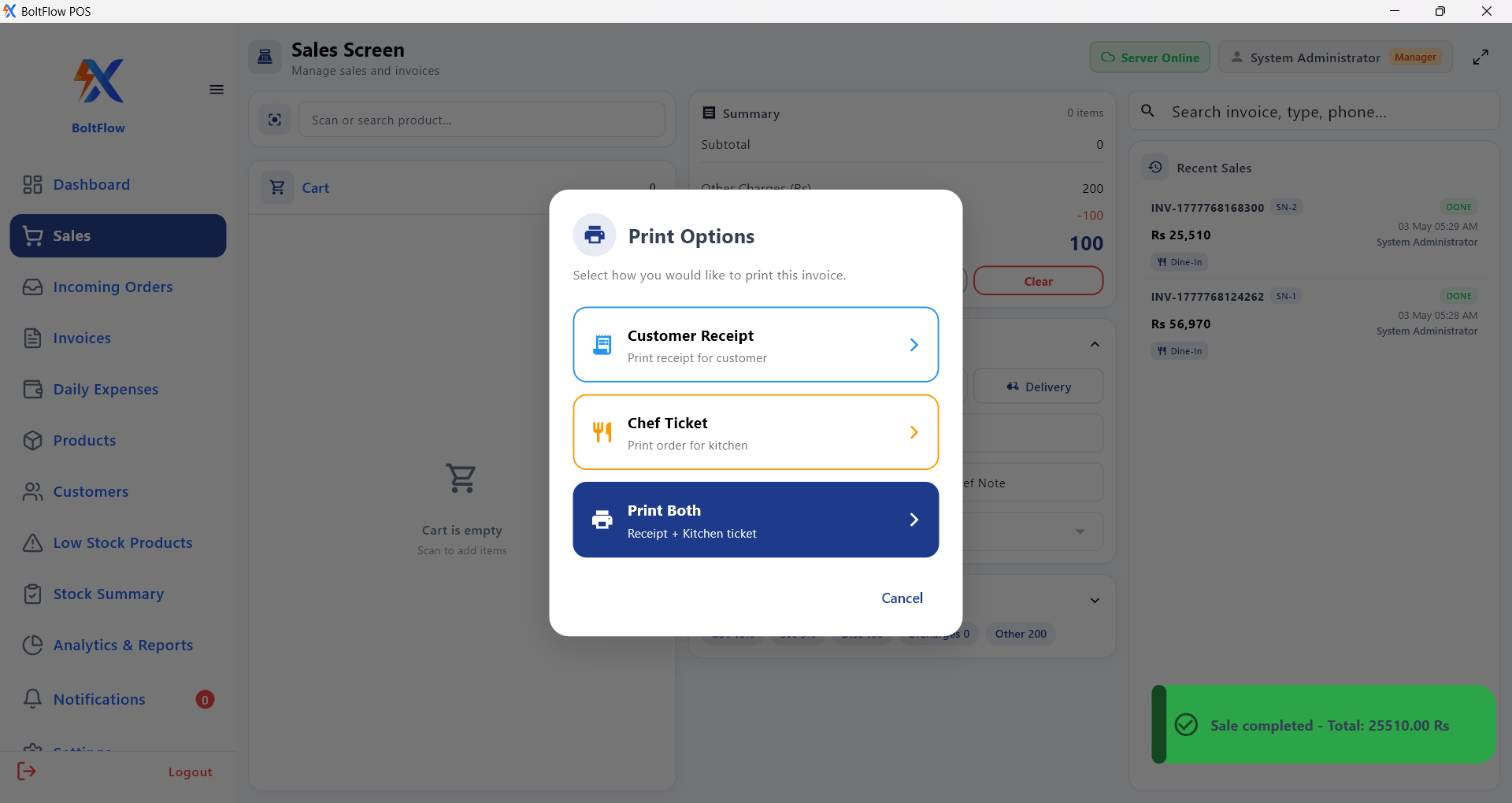
Barcode/manual entry, invoices, refunds, thermal receipts & daily session closing.
Inventory icon
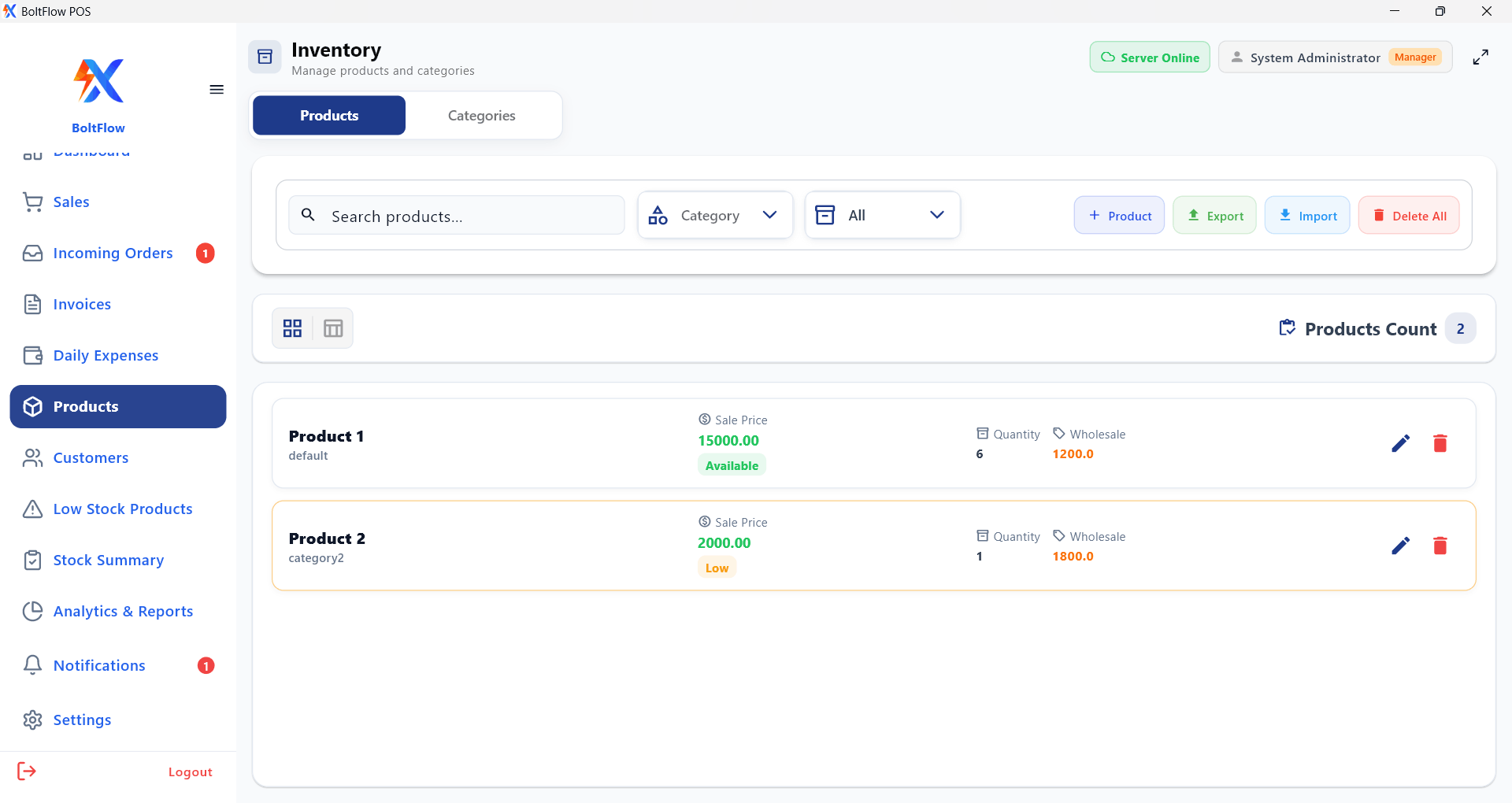
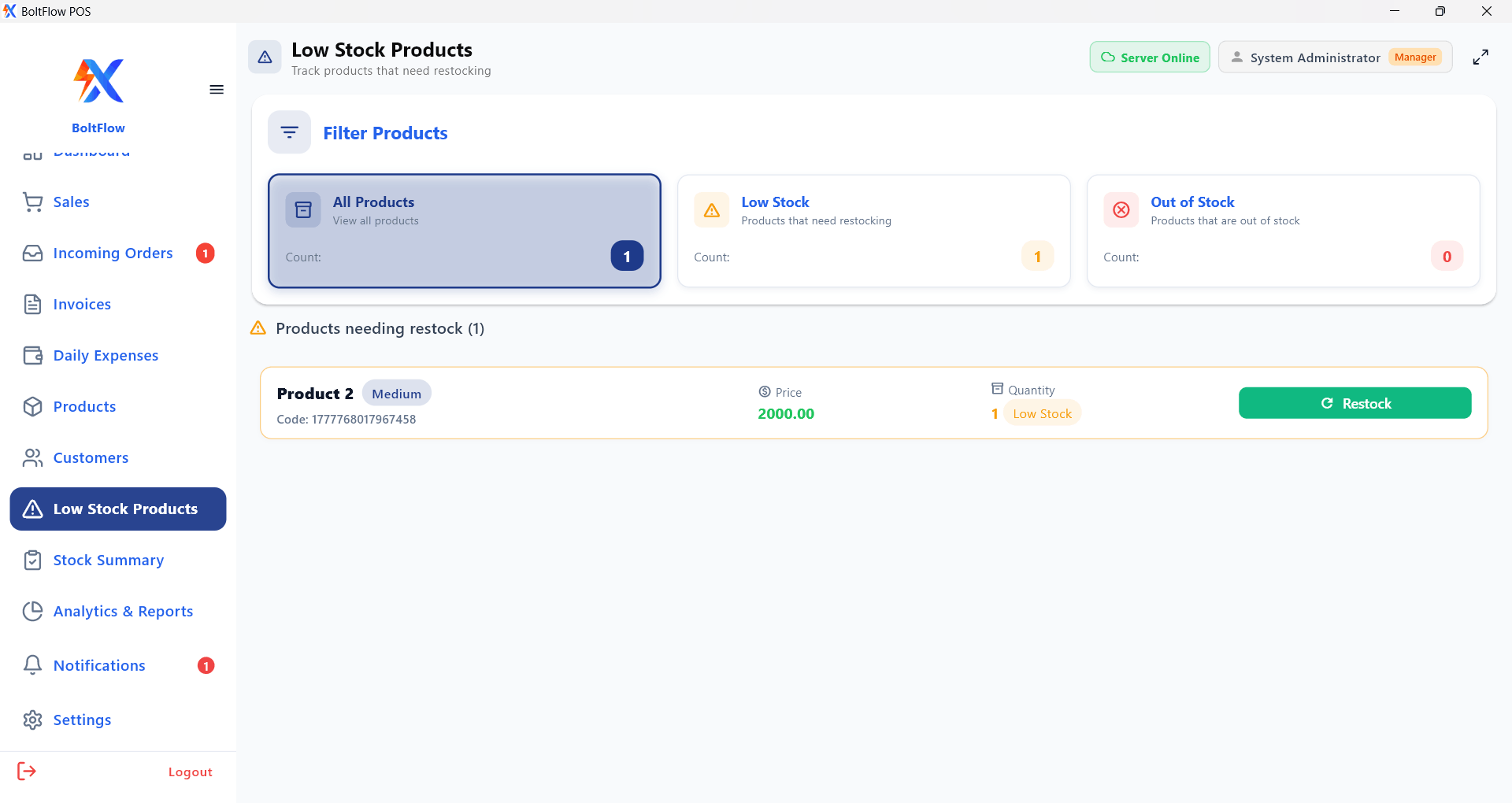
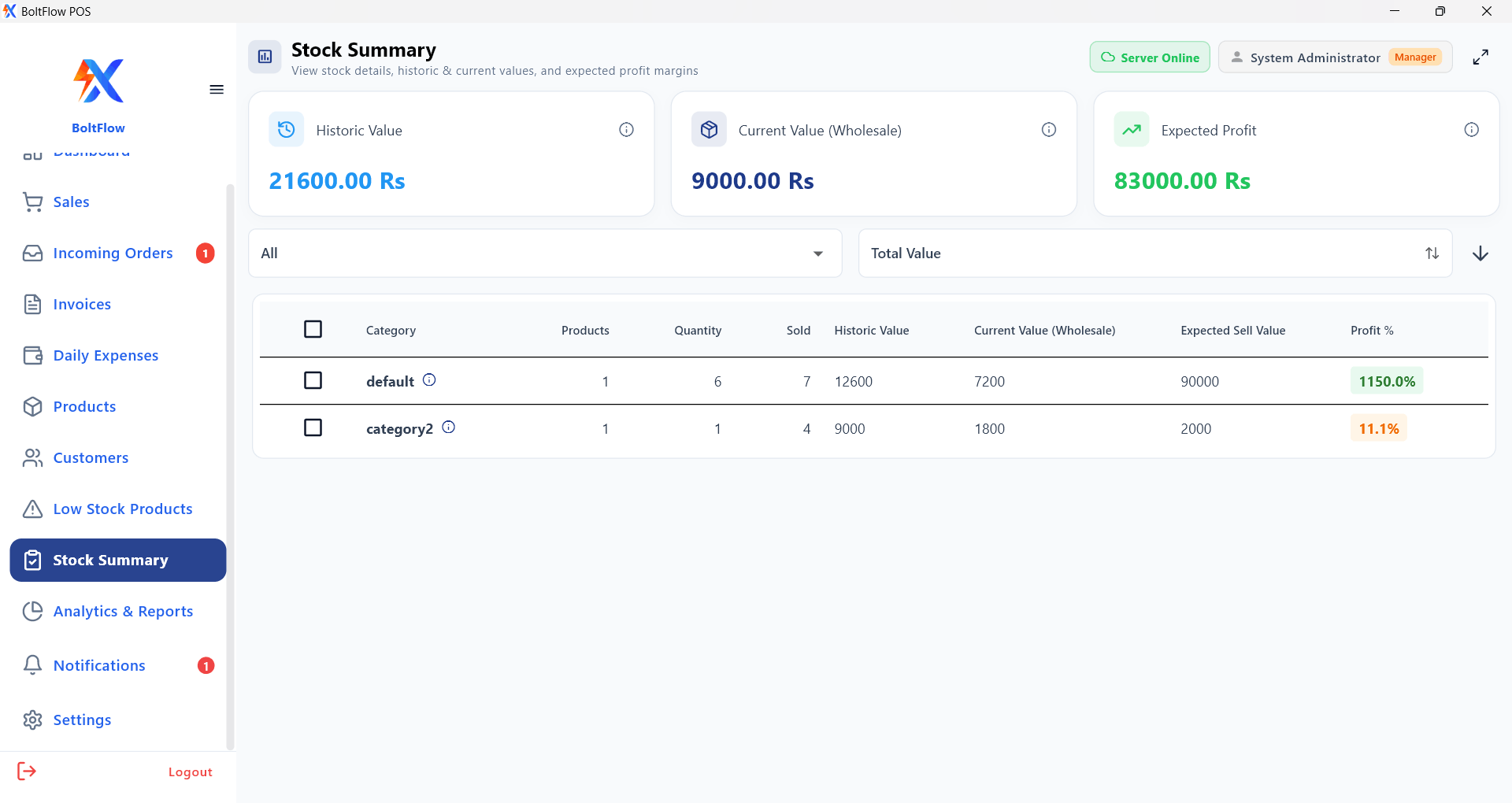
Inventory & Stock Control

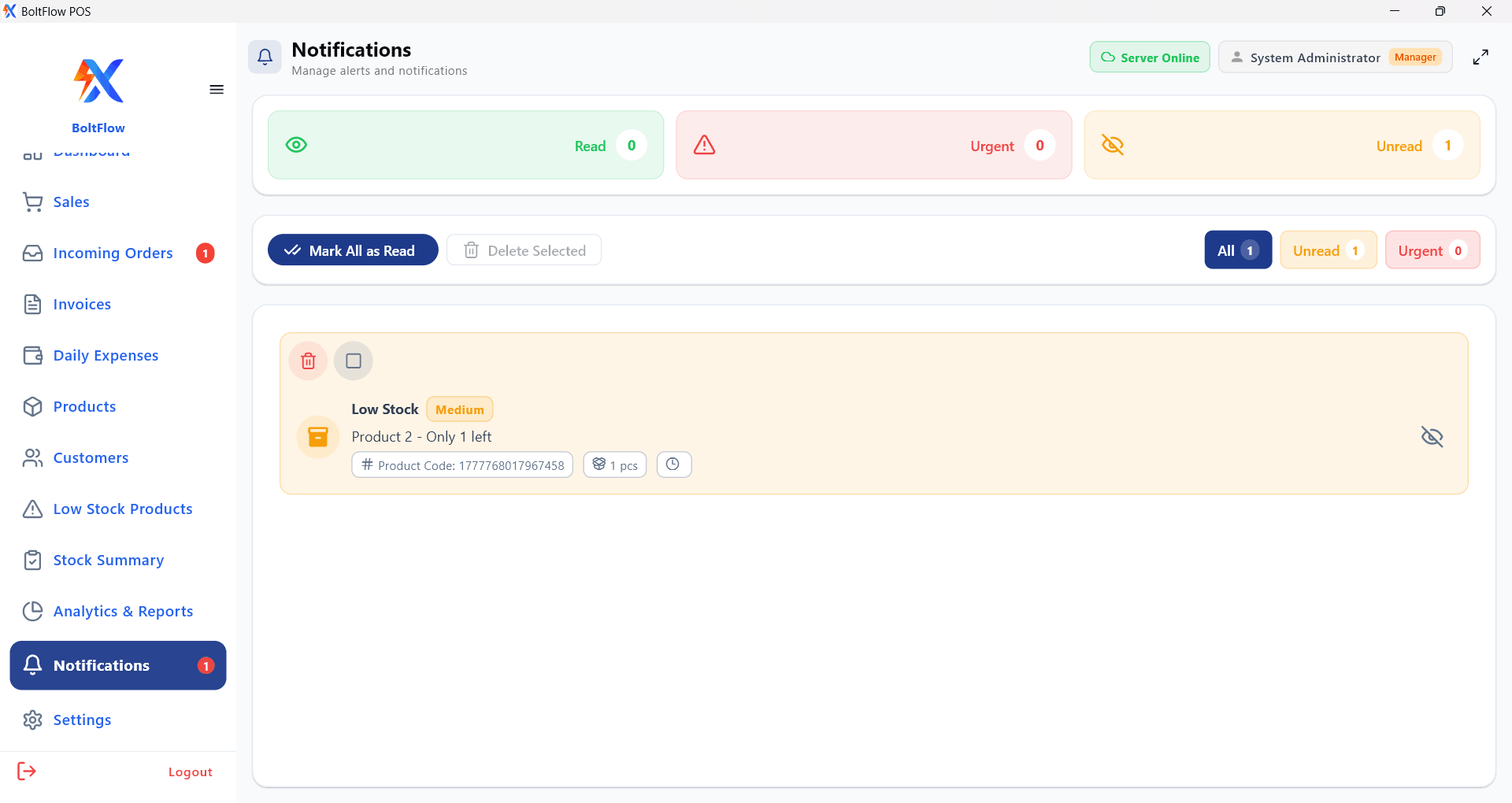
Reliable inventory with stock summaries, low-stock alerts and usage visibility.

Reports icon
Reports & Analytics

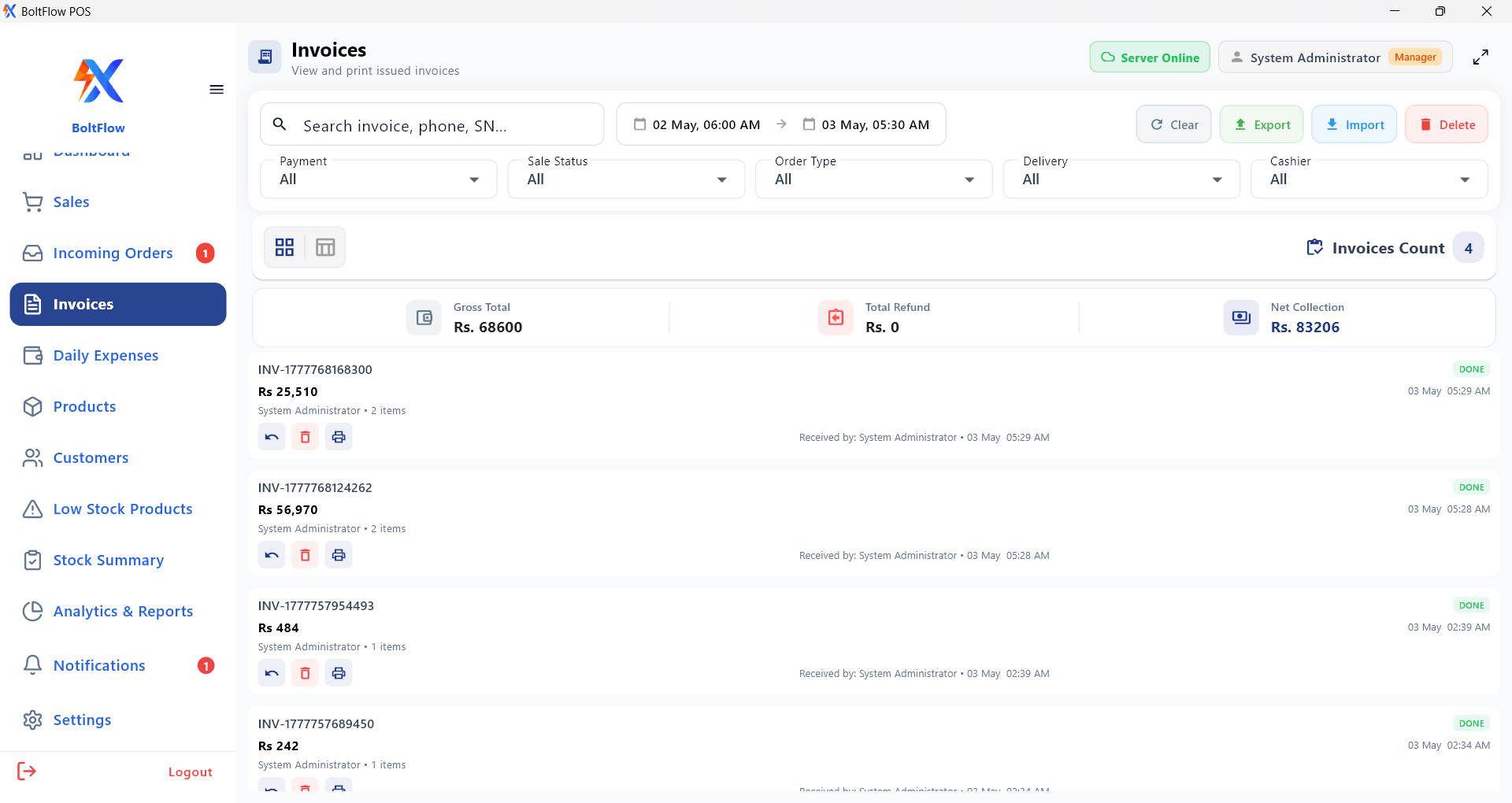
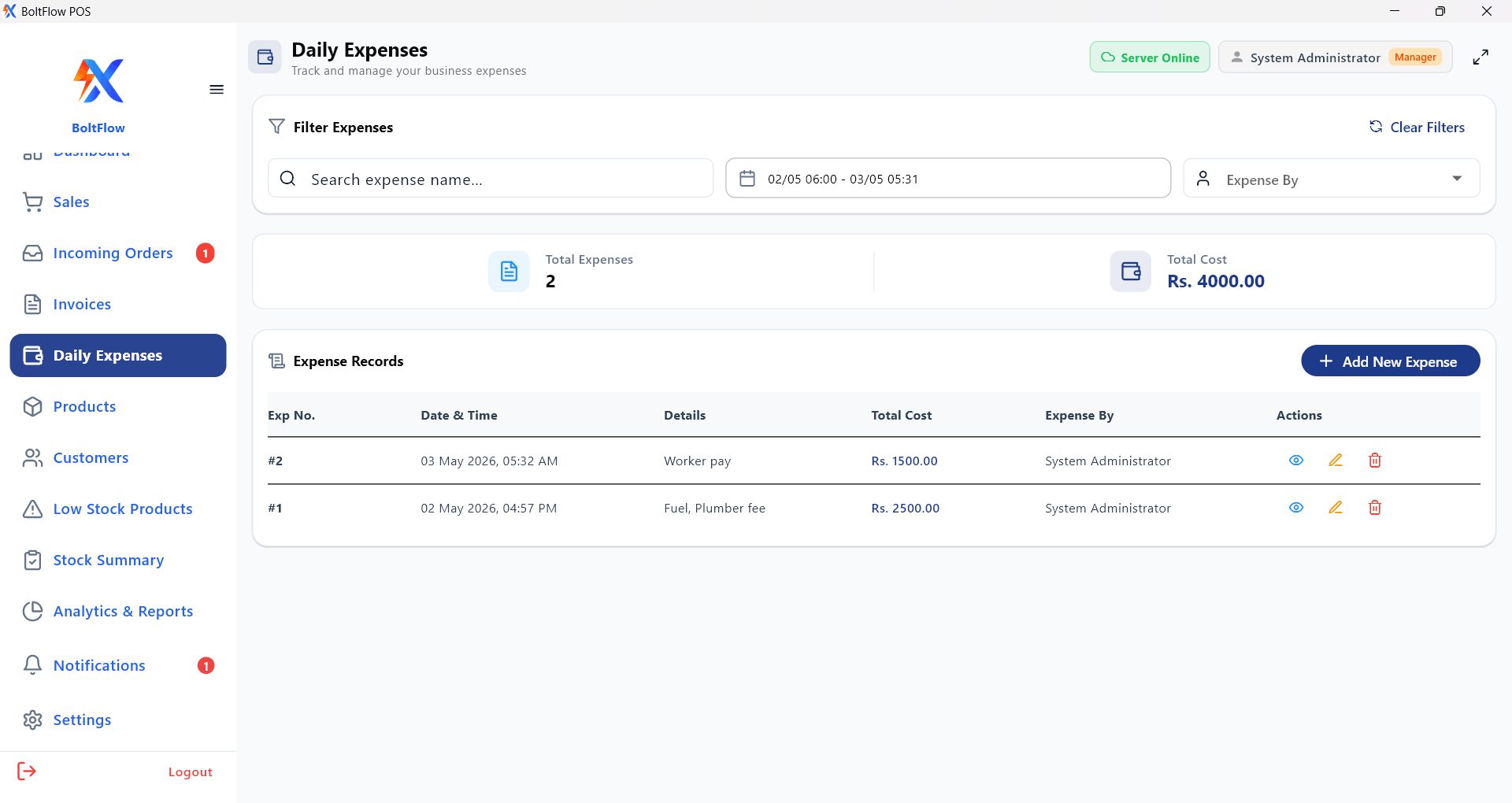
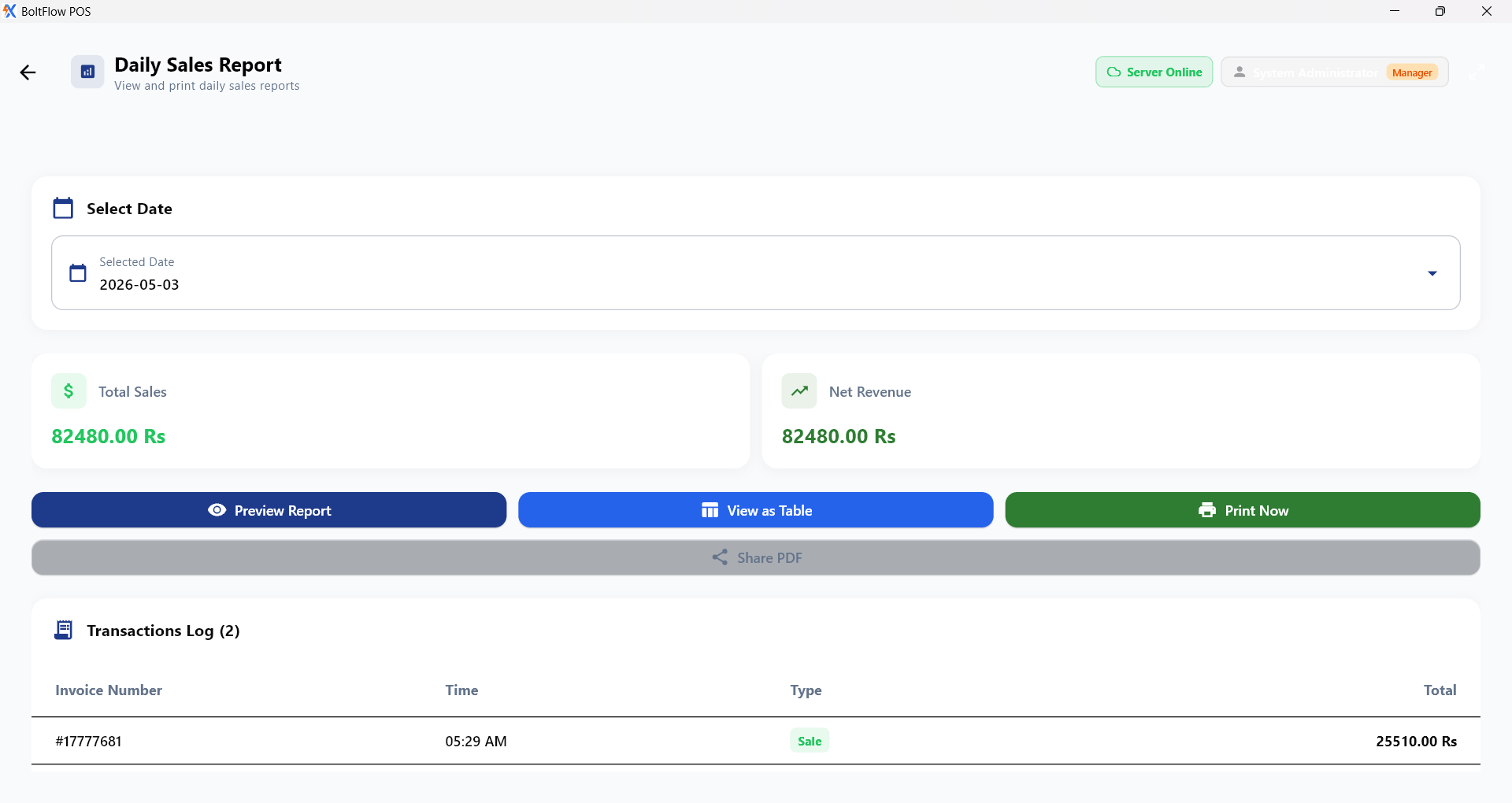
Dashboards, sales reports, invoice history, expenses and performance analytics.

Staff access icon
Role-Based Staff Access

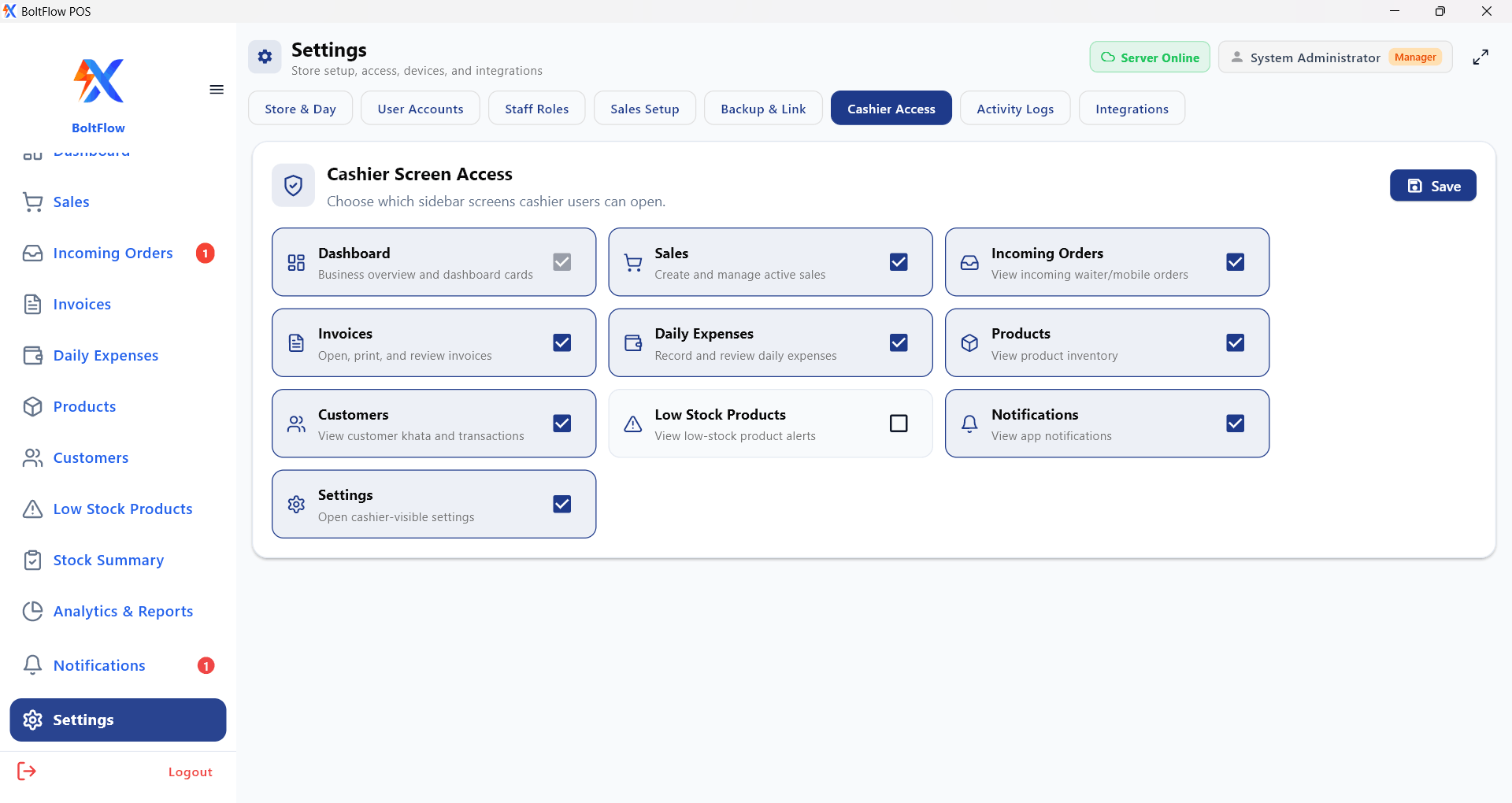
Manager/cashier permissions with user controls for secure day-to-day operations.

Owner app icon
Owner Mobile Dashboard

Net sales, orders, discounts, refunds, top items & branch status in one app.

Order app icon
Mobile Order App

Order entry, notes and optional table workflows with offline orders and automatic sync.

BoltFlow Suite

Apps Included

Connected apps to run your counter, take orders, and monitor performance from anywhere.

Windows desktop icon
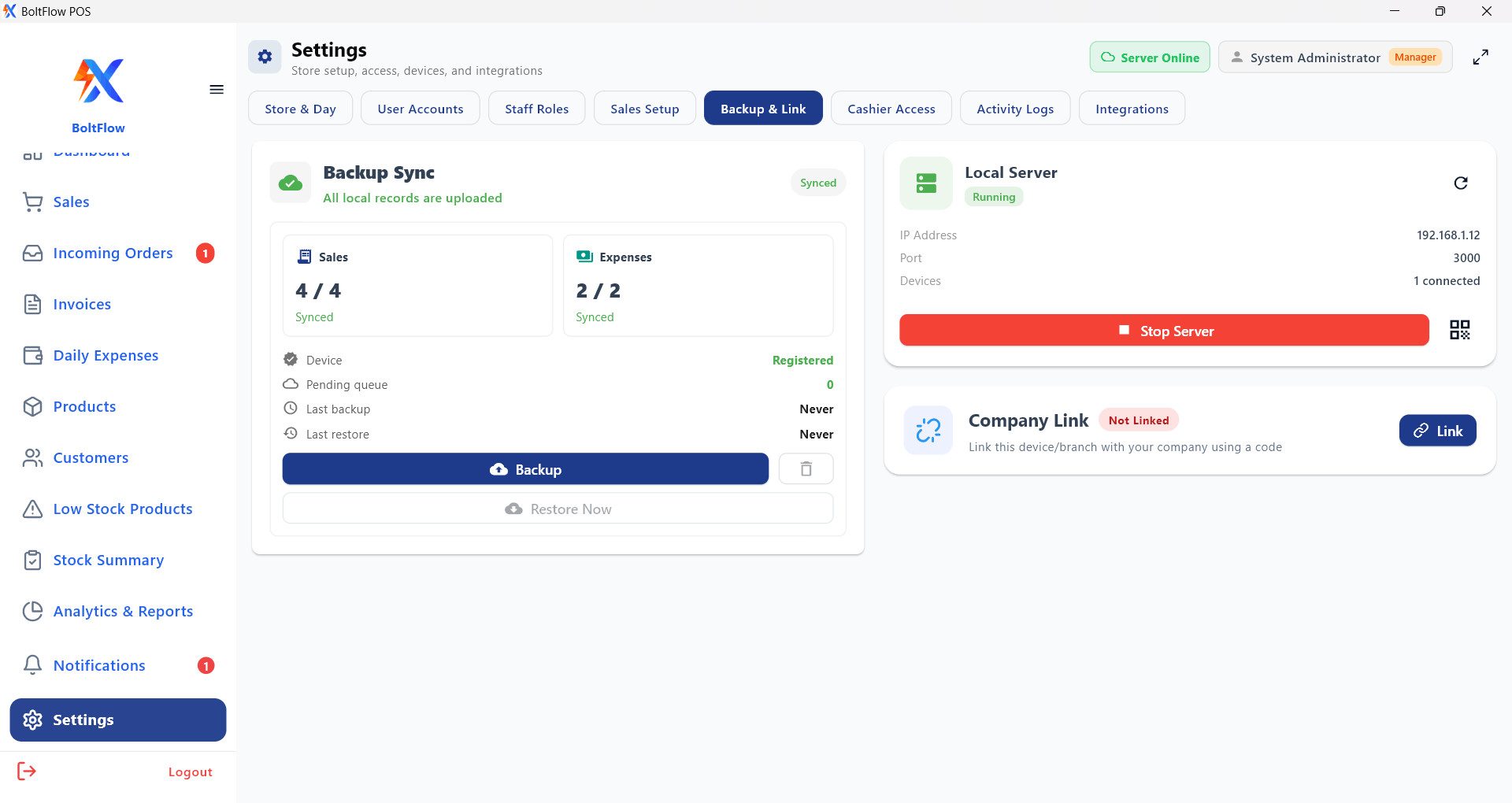
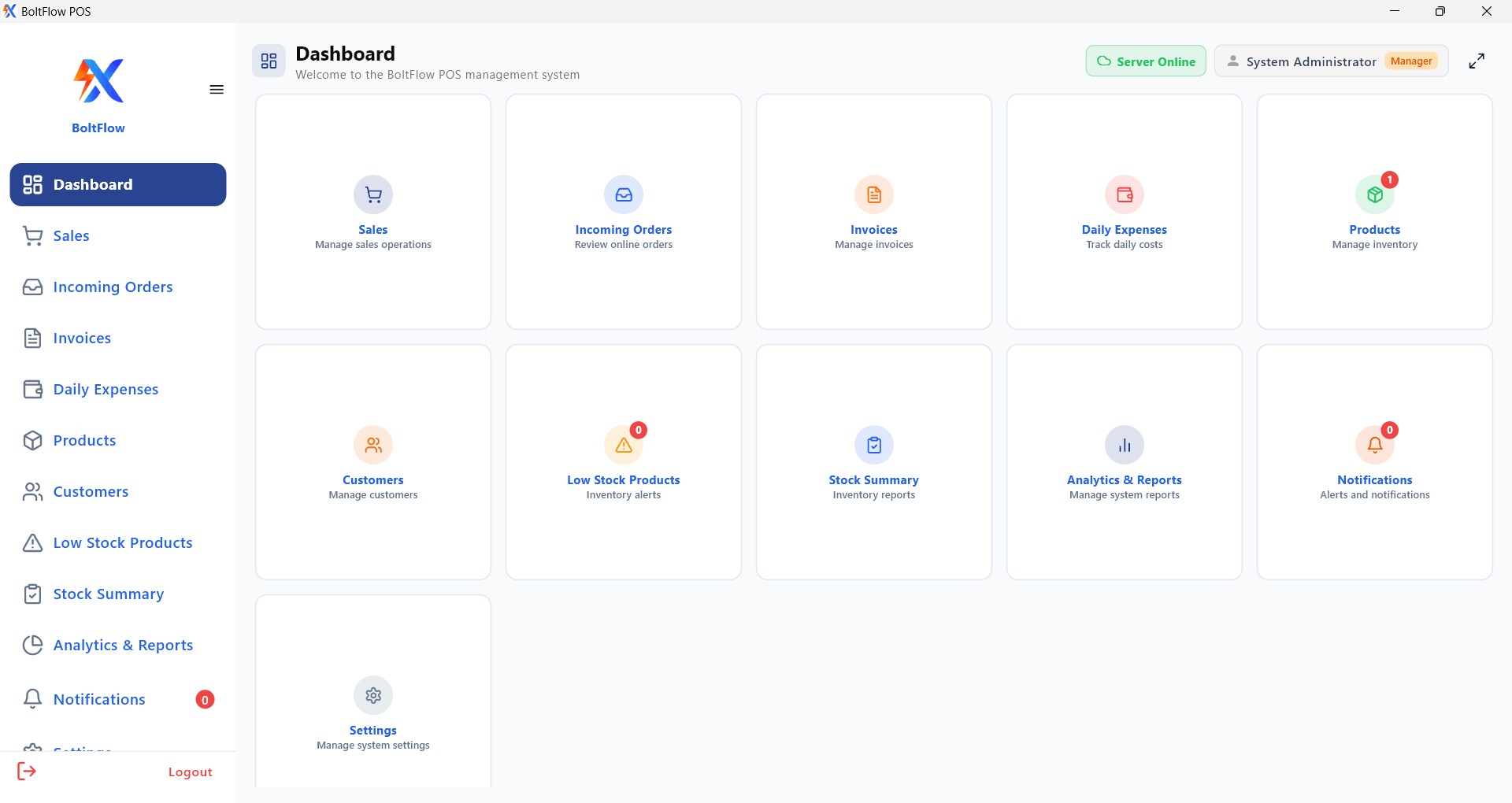
BoltFlow POS (Windows Desktop)

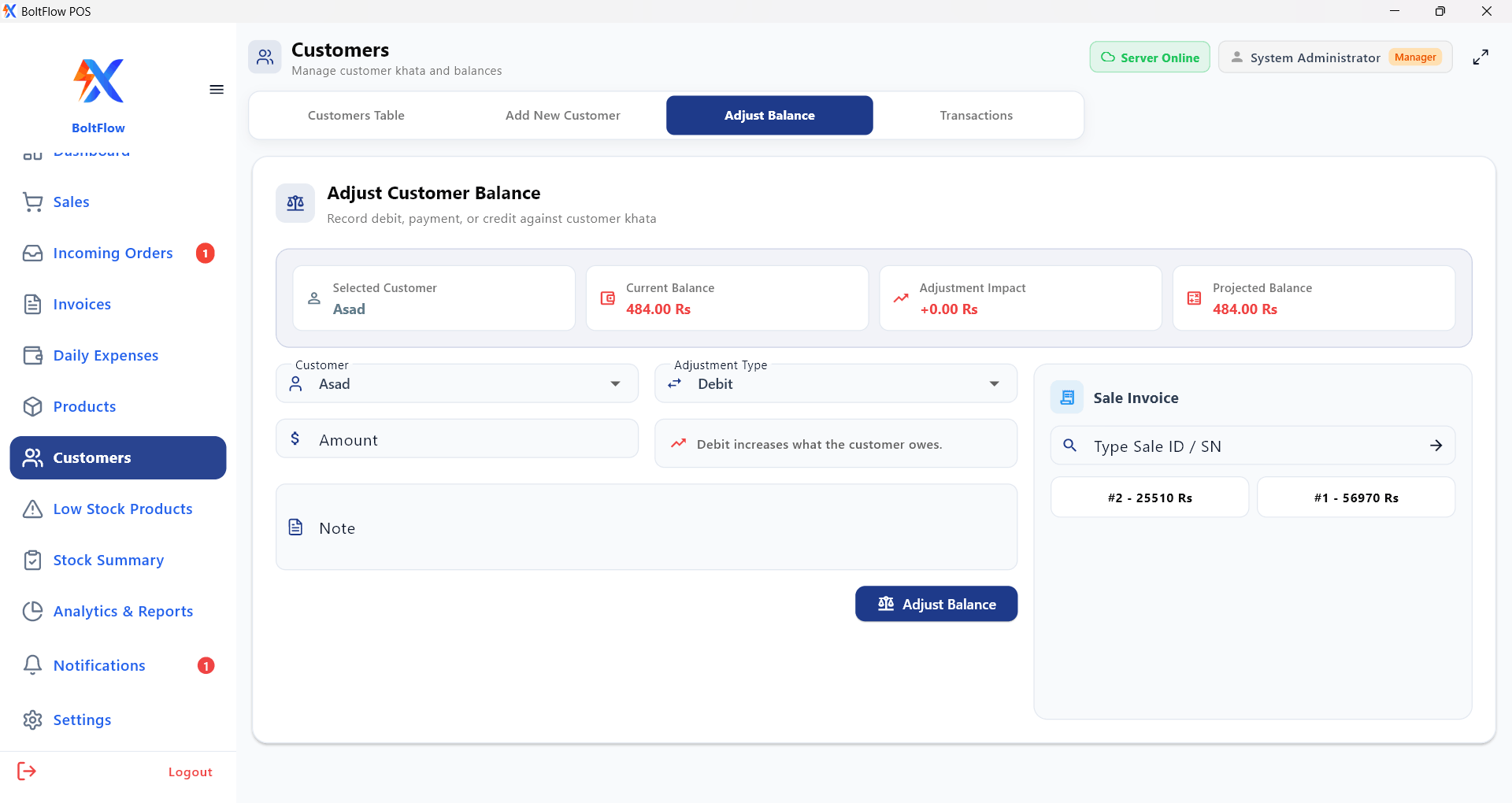
Professional desktop POS for many business categories: fast checkout, inventory, invoicing and reporting.

  • Product selection + barcode/manual entry
  • Sales, refunds, invoices & thermal printing
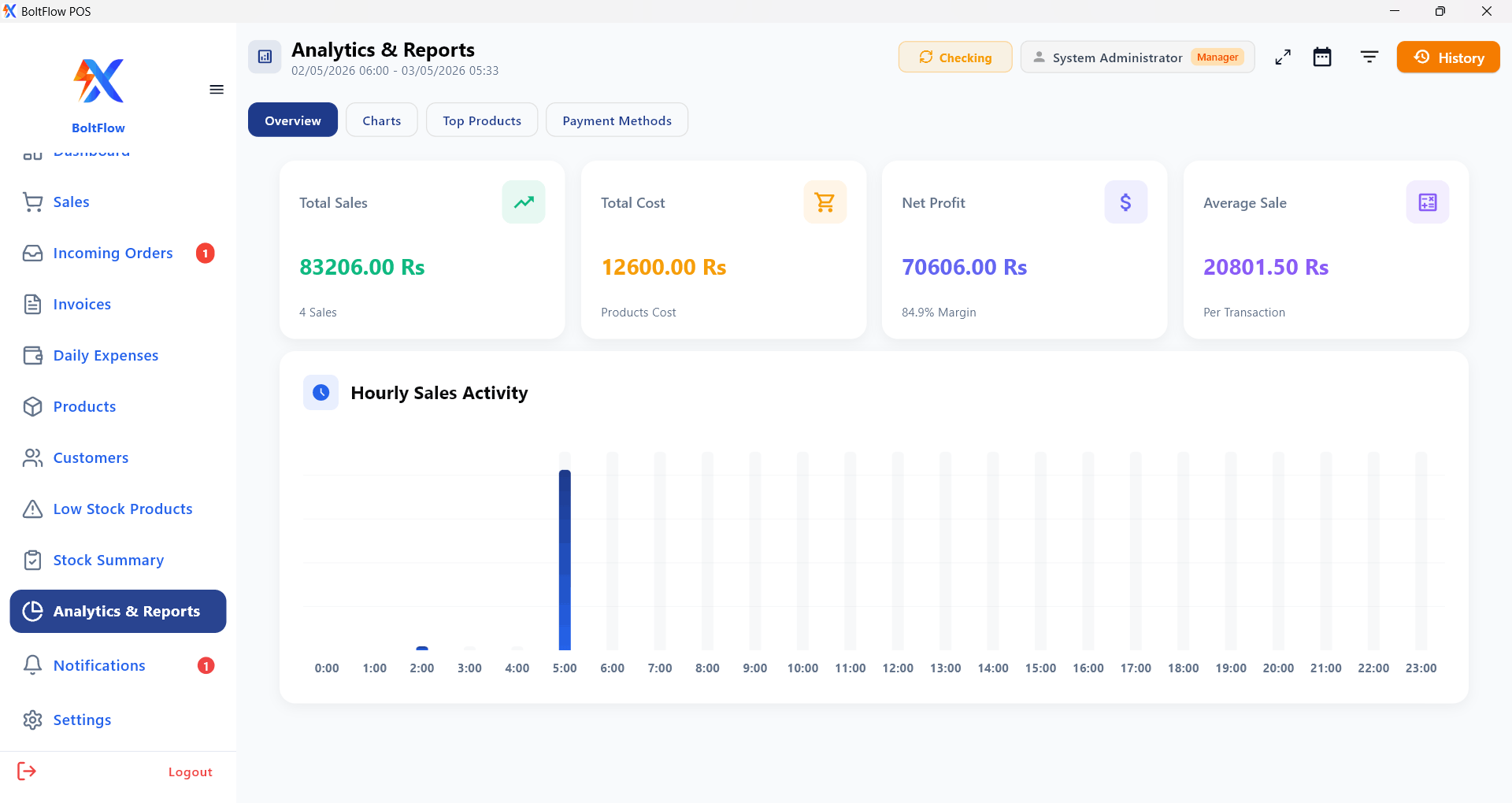
  • Dashboards, reports, expenses & invoice history
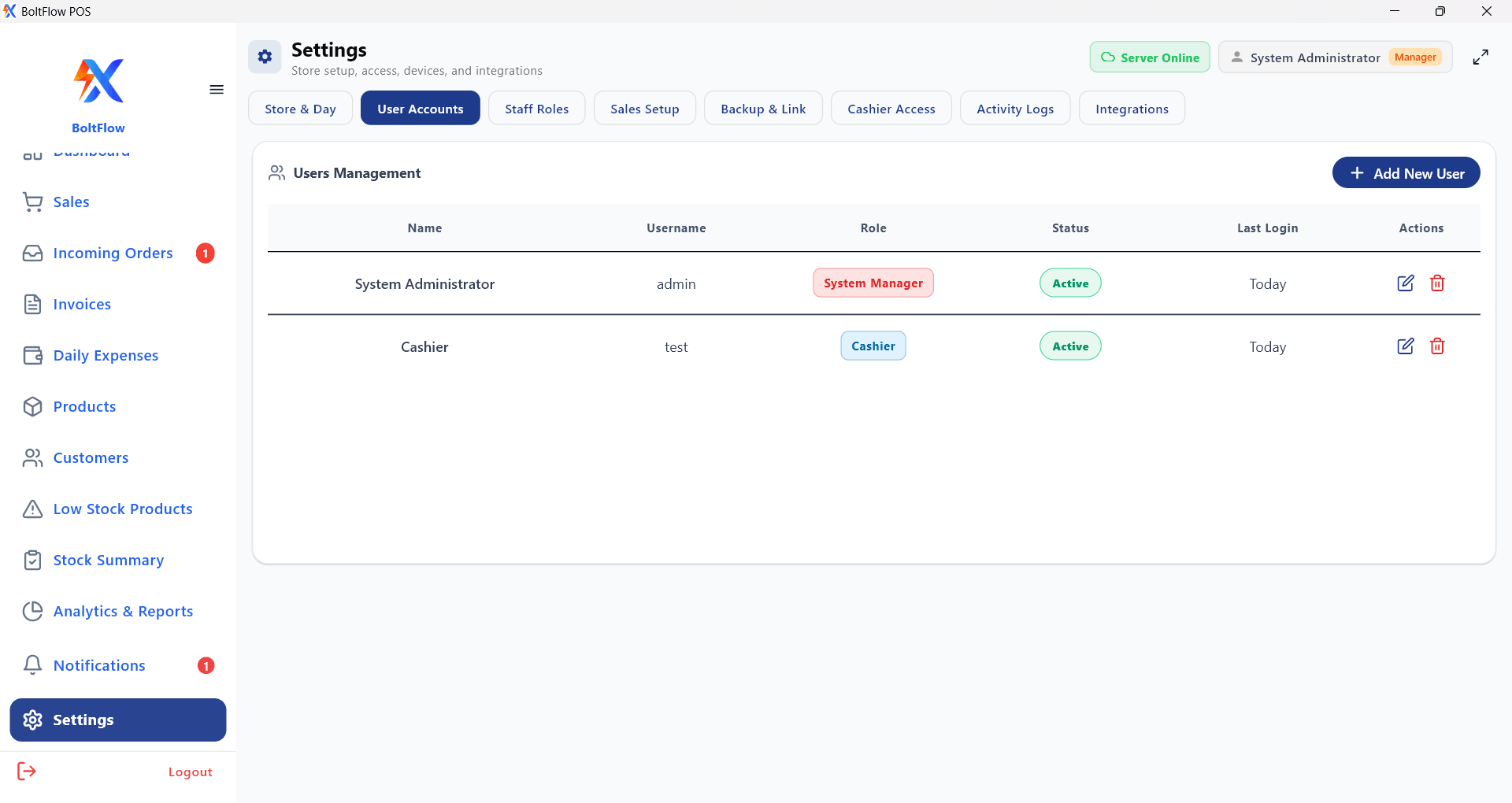
  • Role-based access + user management
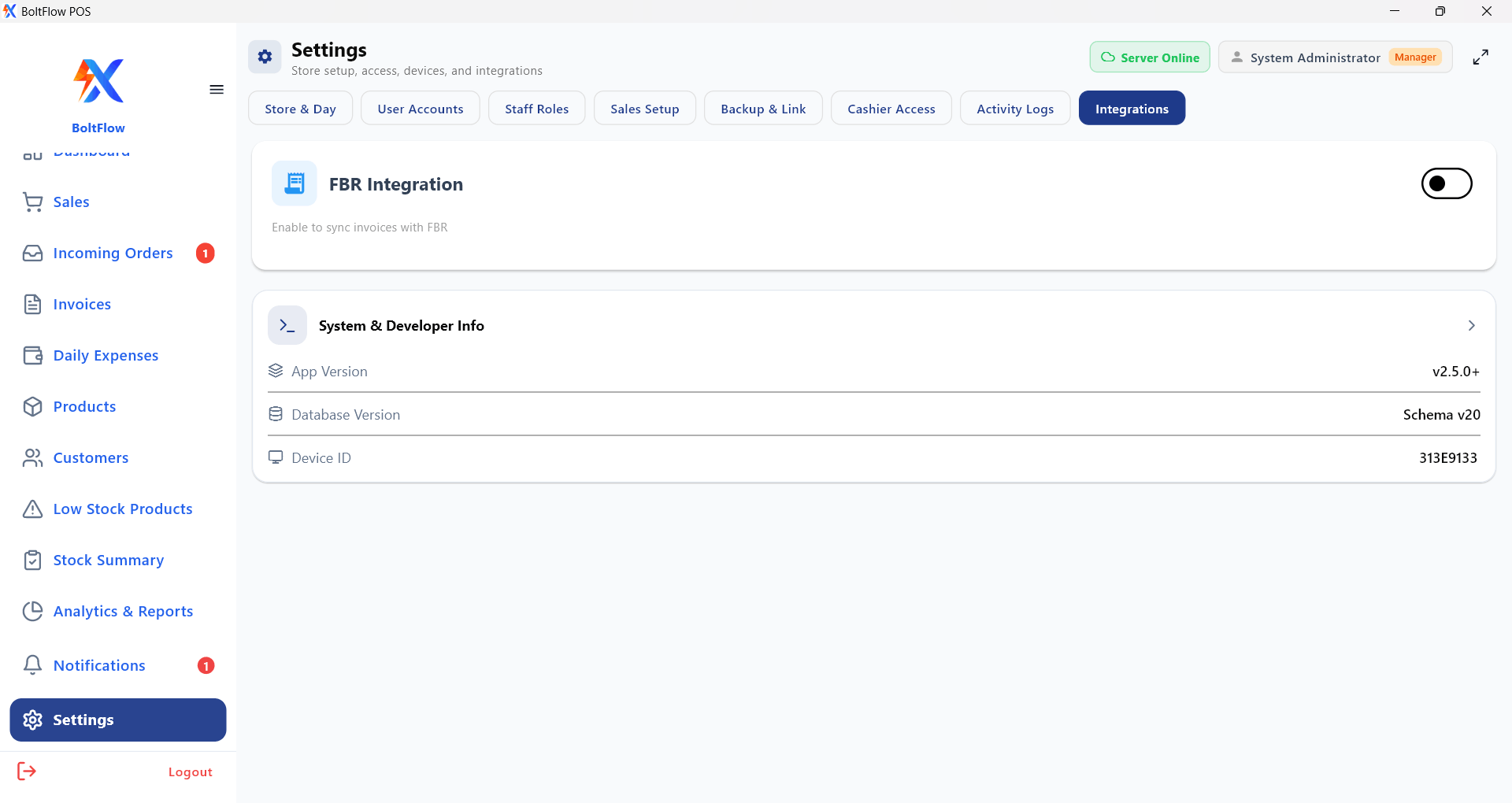
  • Local-first storage with optional backup/sync
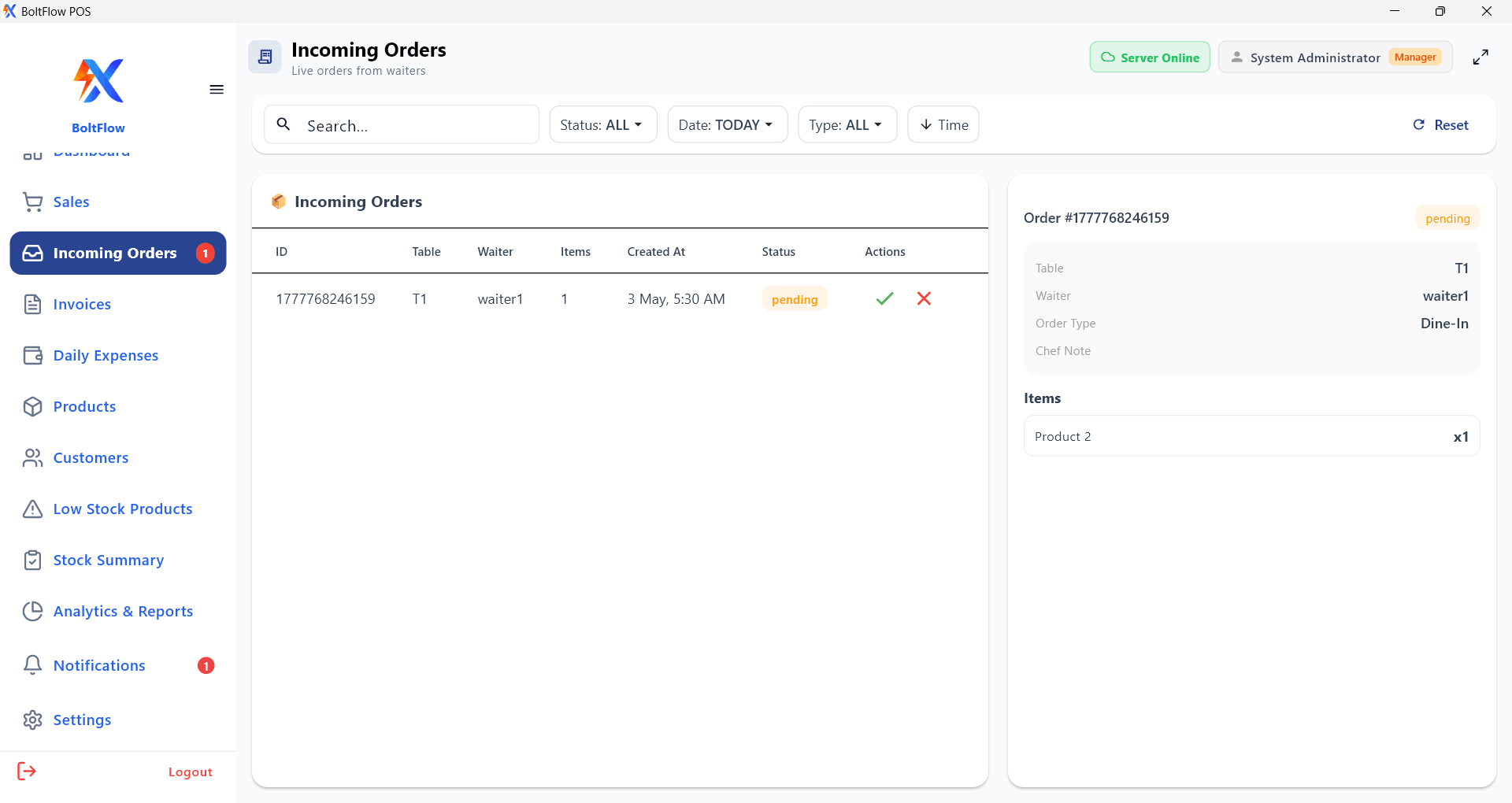
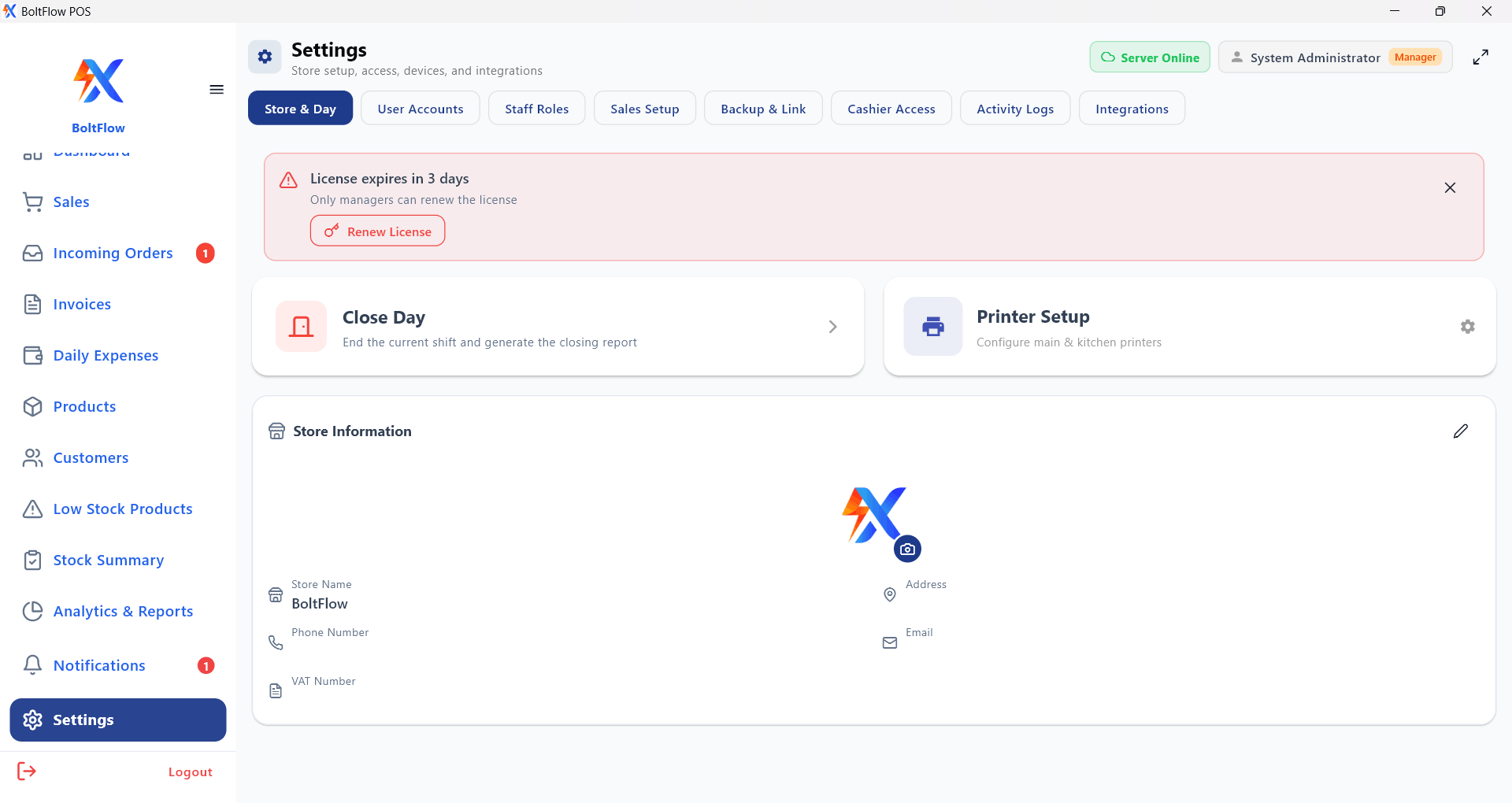
  • License activation, device linking & LAN incoming orders
BoltFlow Desktop App
Owner mobile app icon
BoltFlow Owner (Mobile App)

Owner-only dashboard to track sales, expenses, companies and branch activity.

  • Daily KPIs: net sales, orders, subtotal, discounts & refunds
  • Top products + recent sales with detailed breakdowns
  • Sales & expense views with live refresh behavior
  • Cashier/payment/status info and item-level summaries
  • Multi-company & multi-branch with join-code linking
  • Branch online/offline monitoring with periodic refresh
Owner Desktop App Owner App (Android)
Mobile order app icon
BoltFlow Order App (Mobile/Tablet)

Mobile order taking that syncs with POS and works online or offline.
  • Staff login + server connection setup
  • Order entry, optional tables & notes
  • Product/category loading from POS backend
  • Offline order storage with automatic sync when online
  • Order edit/delete + status tracking and updates
  • Local order history by staff + store info caching
Order App (Android)
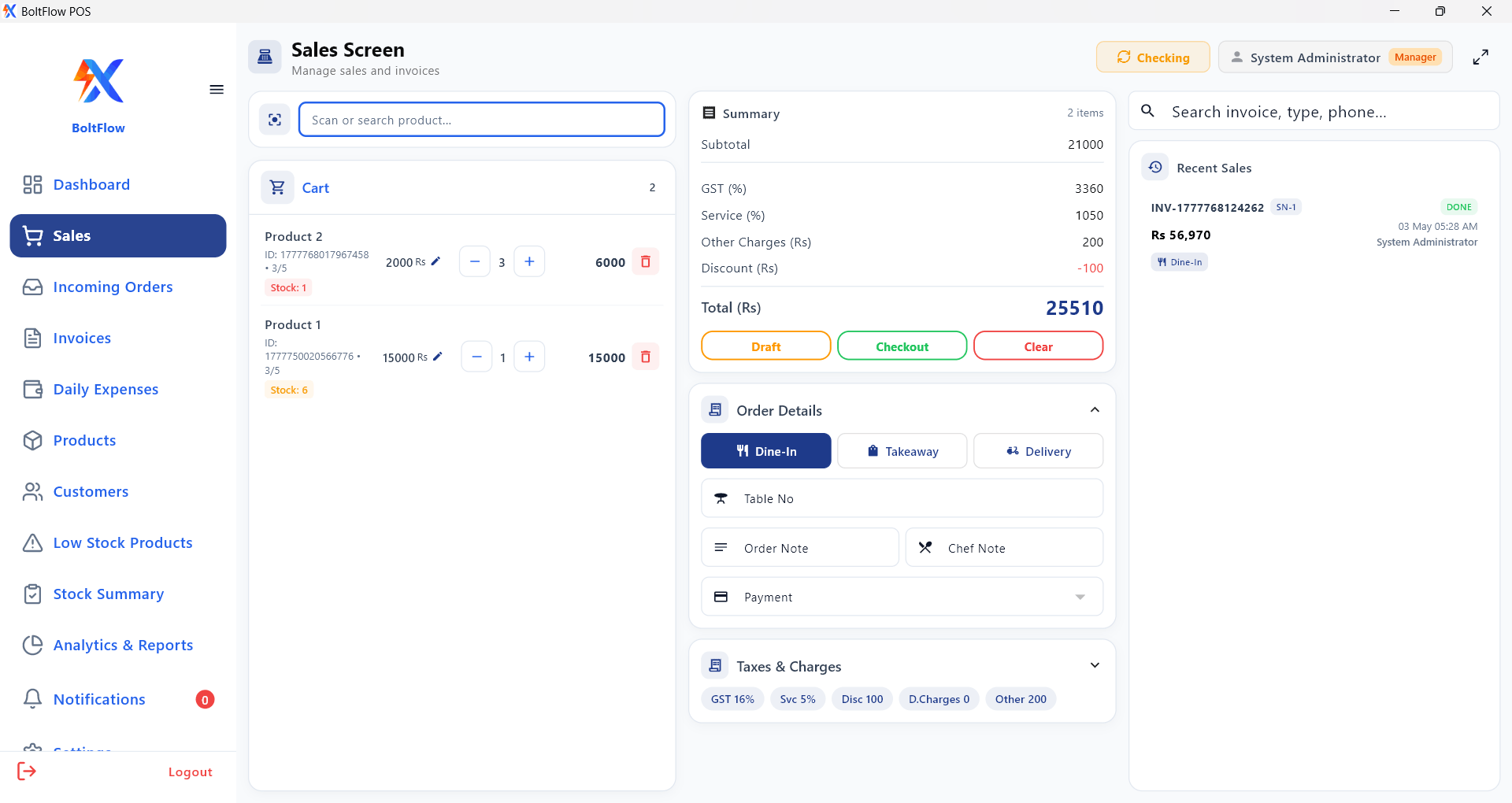
Preview

BoltFlow Interface

BoltFlow

System Requirements

Minimum requirements to run BoltFlow POS smoothly.

Operating System

Requires Windows 10 or higher version for smooth performance.

For first-time Windows installation, Microsoft Visual C++ Runtime x64 may be required.

Memory (RAM)

Minimum 4GB (8GB recommended).

Printer Support

Compatible with thermal and ink printers.

Internet Connection

Internet required for updates, syncing data, and system connectivity.

Get Started

Download BoltFlow Today

Required for some new PCs
Microsoft Visual C++ Runtime (x64)

Download this prerequisite if you are installing BoltFlow Desktop for the first time.

Download VC++ Runtime x64

Need branch linking/setup help? Contact us for onboarding and access.

Contact Information

Ward number 07, Kashana Akram,
Faisalabad Road, Chowk Azam

We're Available 24/7. Call Now. (+92) 313 345 4060 (0606) 381-951
Find us here